
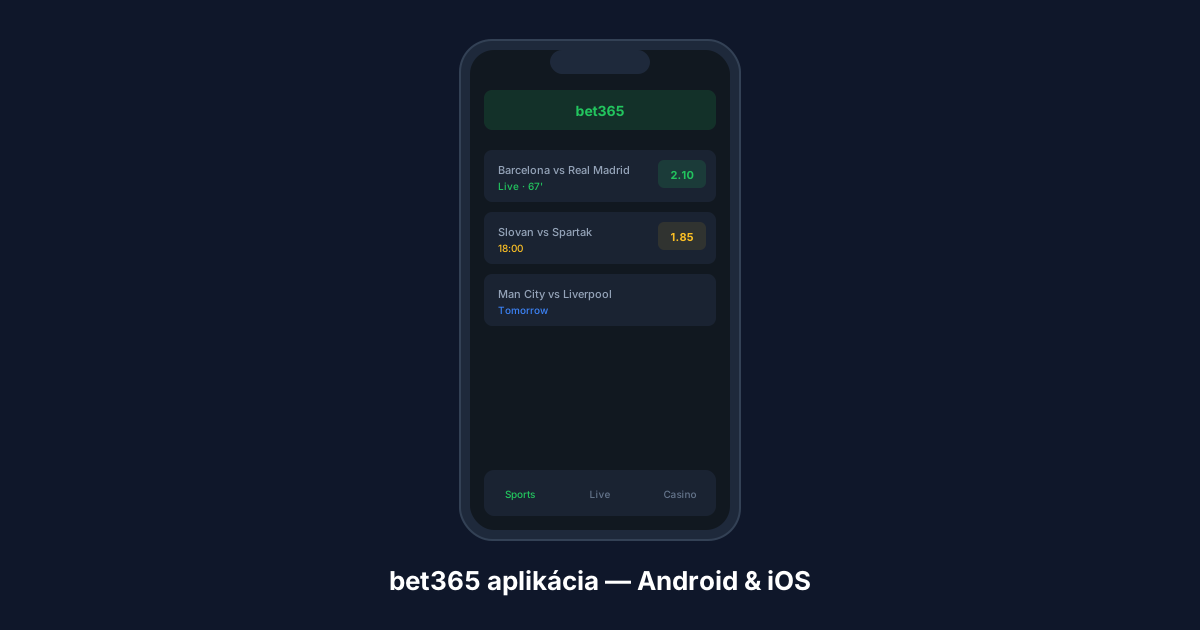
The bet365 mobile app offers the same features as the desktop version — live betting, streaming, Cash Out, Bet Builder. In Slovakia, installation may require extra steps since the app might not be available in the local app store. Here’s a step-by-step guide for both platforms.
App vs mobile web
- App — native, faster, biometric login (fingerprint/Face ID), push notifications, smoother streaming.
- Mobile web — no installation needed, works via alternative link in browser. Same features minus biometrics and push notifications.
Android installation — step by step
The bet365 Android app may not be in the Slovak Google Play Store. Download the APK directly from the bet365 website. Requires Android 8.0+.
- Open bet365 in mobile browser (use alternative link or DNS change)
- Find „View all bet365 apps“ in the footer → select Sports app for Android
- Allow installation from unknown sources: Settings → Security → Unknown Sources
- Download and open the bet365.apk file → confirm installation
Safety: Only download APK from the official bet365 website. Never from random sites — malware risk. Keep Google Play Protect enabled.
iOS installation
- Open App Store → search „bet365“
- Select „bet365 – Sportsbook & Casino“ → tap Get
- Authenticate with Face ID/Touch ID/password
If the app isn’t in the App Store, your Apple account region may not include bet365. Apple offers an official process for changing your account country/region.
Features
| Feature | Android | iOS |
|---|---|---|
| Live In-Play betting | ✅ | ✅ |
| Live streaming | ✅ | ✅ |
| Cash Out | ✅ | ✅ |
| Bet Builder | ✅ | ✅ |
| Biometric login | ✅ | ✅ |
| Push notifications | ✅ | ✅ |
| Early Payout | ✅ | ✅ |
| Min. OS version | Android 8.0 | iOS 13.0 |
Authorised Location issues
If the app shows an „Authorised Location“ error, bet365 can’t verify your location for service access. This is different from ISP blocking. Try: clear app cache, reinstall, check location permissions, or contact bet365 support.
As a fallback, use mobile web via the alternative link — same features, no installation needed.
For deposits and withdrawals via the app, see our complete payment methods guide.